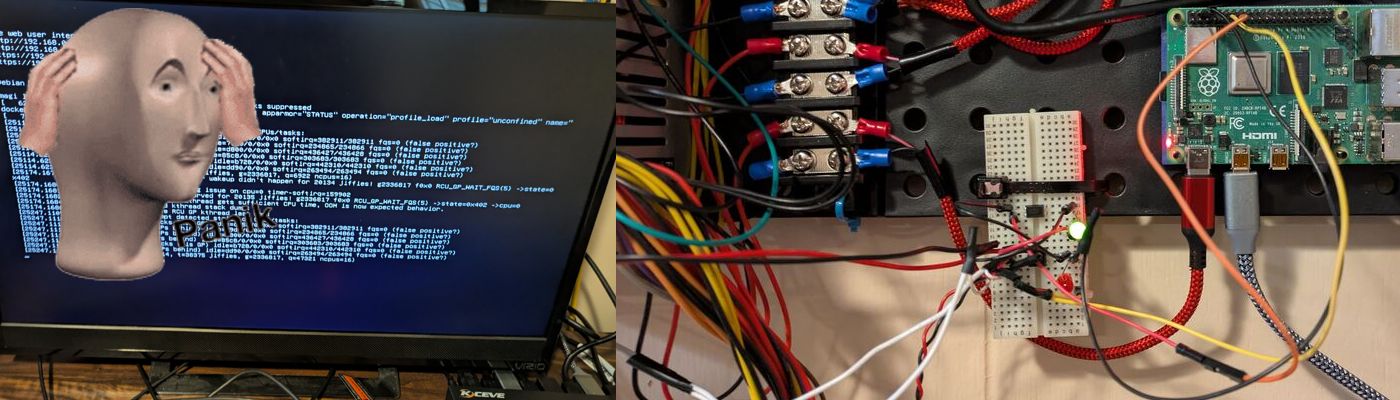
Server Monitoring and Restart Using a Raspberry Pi
Sun Jul 05 2026
Sometimes you have a pesky server that occasionally crashes. Sometimes it’s a kernel panic, sometimes it’s a dataset just randomly disconnects. In an enterprise environment, you have the budget to setup redundant applications with Kubernetes, Ceph, multiple datacenters, etc. In a homelab, it’s not worth having anything redundant with the exception of data storage on HDDs. In other words: server crashes however infrequent, are a headache and are often impossible to deal with remotely.
The premise of this project is that we will be using an optocoupler and a Raspberry Pi to turn on and off my server remotely. We are doing this as opposed to wake on lan or remote ssh calls since when a server crashes, it won’t respond to wake on land or be accessible via SSH. An optocoupler is simply a transistor where the flow of electricity is controlled by an external circuit using an LED rather than your own power. This keeps the two circuits isolated and allows us to prevent one circuit from damaging the other. Optocouplers are very small and you can purchase 50 for around $5.
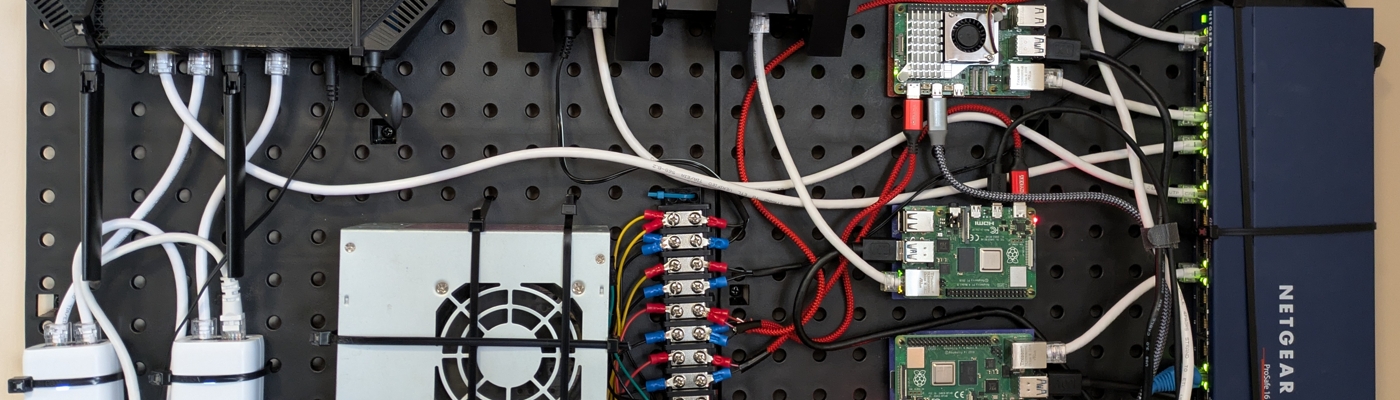
My Wall Mounted Raspberry Pi Homelab
Sun Mar 01 2026
Welcome to my descent into homelabbing. With the rising cost of cloud hosting, and my DigitalOcean droplets crashing more frequently due to increased load, I decided to start self hosting more of my public facing personal projects. Most posts that I see on Reddit or Youtube regarding homelabbing tend to show off server racks filled with beefy and expensive enterprise grade equipment. This post aims to share my low-cost approach to homelabbing which uses inexpensive Raspberry PIs. I want to show that you can do really cool stuff while ‘saving’ money in the long run.
Before I started this project, I had two Raspberry PIs haphazardly perched on-top of my stereo. One of the PIs ran Pi-hole and Caddy, the other PI ran several python websites written using FastAPI. To run more stuff locally, I wanted to get another Raspberry Pi to run a firewall on OpenWRT and another Raspberry Pi to run some of my websites in Docker containers. My current arrangement of PIs wasn’t very “elegant”, so I decided to mount everything on a pegboard.

The Data Spotify Collected On Me Over Ten Years
Sun Jan 18 2026
After using spotify for ten years, I decided to make a GDPR request and retrieve all the data that Spotify had collected on me. I intended to make a light hearted blog post that just visualized some data like a: “Spotify Wrapped but for 10 years”… After looking at the extensive amount of data that Spotify collected on me, I was a bit taken aback and decided to ditch Spotify. Recently it has become a trend to criticize Spotify for their usage of AI music and the low dividends they pay to creators– despite being the most expensive music streaming service on the market. This post is not going to add to those loud noises that are already criticizing Spotify’s business practices. This post, is going to look at Spotify’s extensive data collection and analyze my music listening habits to make an objective cost base analysis on if I would have been better off purchasing music instead of streaming from Spotify.
1 Downloading the Data
Under GDPR law, Spotify is legally obligated to provide you with all the personal data that they have stored on you. When you request your Spotify data, they offer the data export in three segments:
- Account Data
- Technical Log
- Extended Streaming History
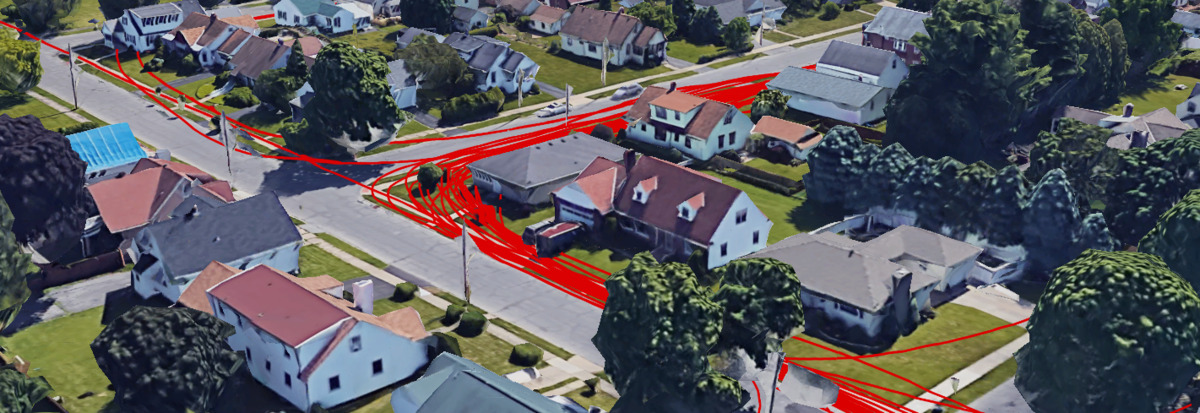
Visualizing Fitbit GPS Data
Sat May 01 2021
This post looks at how you can aggregate and visualize Fitbit GPS data since there is no built-in functionality to do this on the Fitbit website. Before you read this post, check out my two other posts on using Fitbit data:
1 Getting the Data
There are two options that we can use to fetch data from Fitbit:
- Fitbit’s Data Export Tool
- Fitbit’s API
1.1 Exporting from the Website
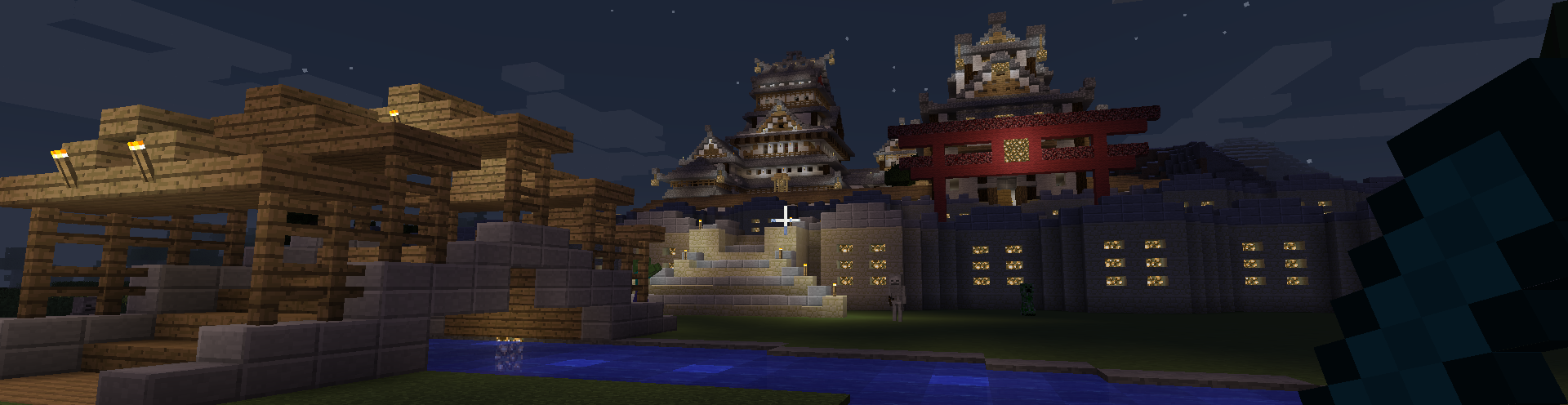
Running a Minecraft Server With Docker
Sun Feb 28 2021
Close your eyes for one moment and imagine that everything you host runs in docker containers. You no longer need to battle system dependencies, and configurations are more manageable; it is now easier to backup and transfer your applications.
In my quest to dockerize everything, I am now dockerizing my Minecraft server. Minecraft is a relatively simple application to host since it is just a single Java application that you need to run. To put this in Docker, we need to declare a Java Docker image that launches our Minecraft server.
FROM openjdk:8u232

WORKDIR /root/minecraft

CMD java -Xmx2048M -jar spigot-1.10.jar -o trueRecent Posts
Server Monitoring and Restart Using a Raspberry PiMy Wall Mounted Raspberry Pi Homelab
The Data Spotify Collected On Me Over Ten Years
Visualizing Fitbit GPS Data
Running a Minecraft Server With Docker
DIY Video Hosting Server
Running Scala Code in Docker
Quadtree Animations with Matplotlib
2020 in Review
Segmenting Images With Quadtrees